312mi
Total tracked
Soledger keeps a ledger for your soles. Every run goes on the books — so you know exactly when to retire a pair, and what each mile actually cost.
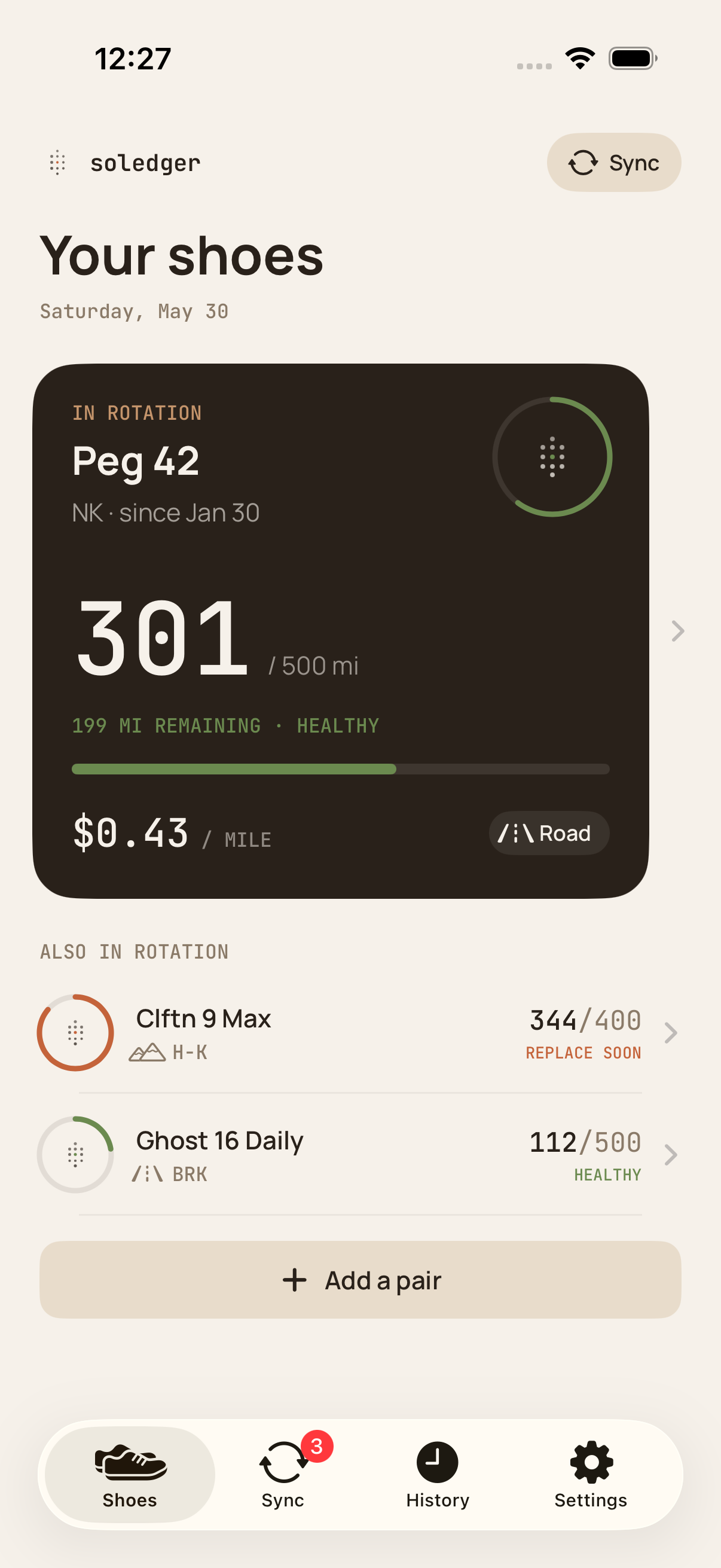
Most run apps want to be your coach. Soledger only wants to be the ledger — a calm record of what you ran, in which shoes, and what it cost you.
Your runs already live in Apple Health. Soledger reads them — road, trail, treadmill, track — and asks one thing: which shoes were on your feet?
Enter what you paid. Soledger does the math on every run. $0.43 / mi on the Peg 42, $0.71 on the Adizero. Now you know.
At 85% of a shoe's lifetime, Soledger turns the dial from quiet green to a warm amber — replace soon. No buzzwords, no streaks, no celebration. Just the number, on time.
No accounts. No analytics. No leaderboards, no Soledger server. Your shoes and runs live on your iPhone — and sync to your own iCloud if you have it turned on, never to us.
Add the Soledger widget and your active pair's mileage is one glance away — no need to open the app. Home Screen widgets in three sizes, plus a Lock Screen widget for a glance before you even swipe in.
Numbers do the heavy lifting. Color carries meaning — a quiet green when shoes are healthy, a warm amber when it's time to replace.
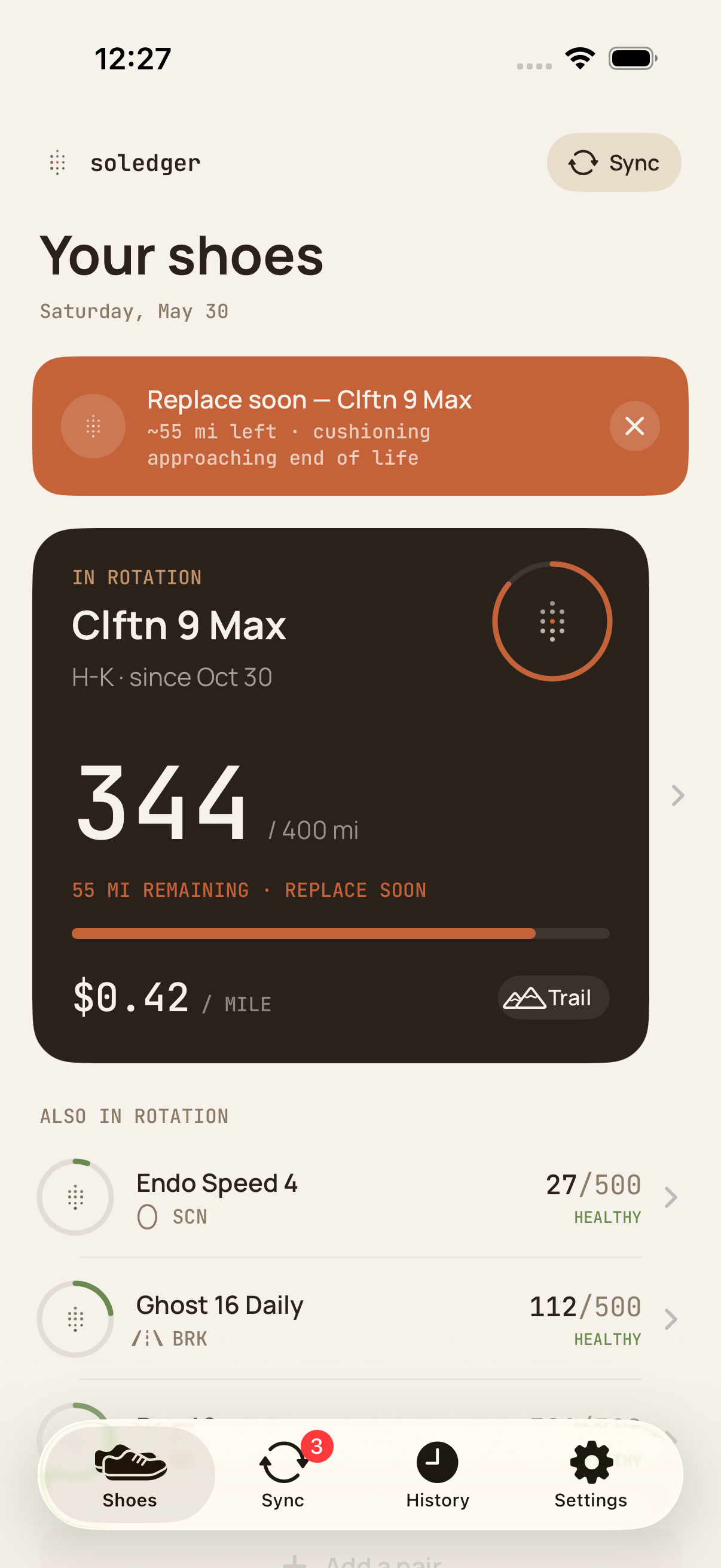
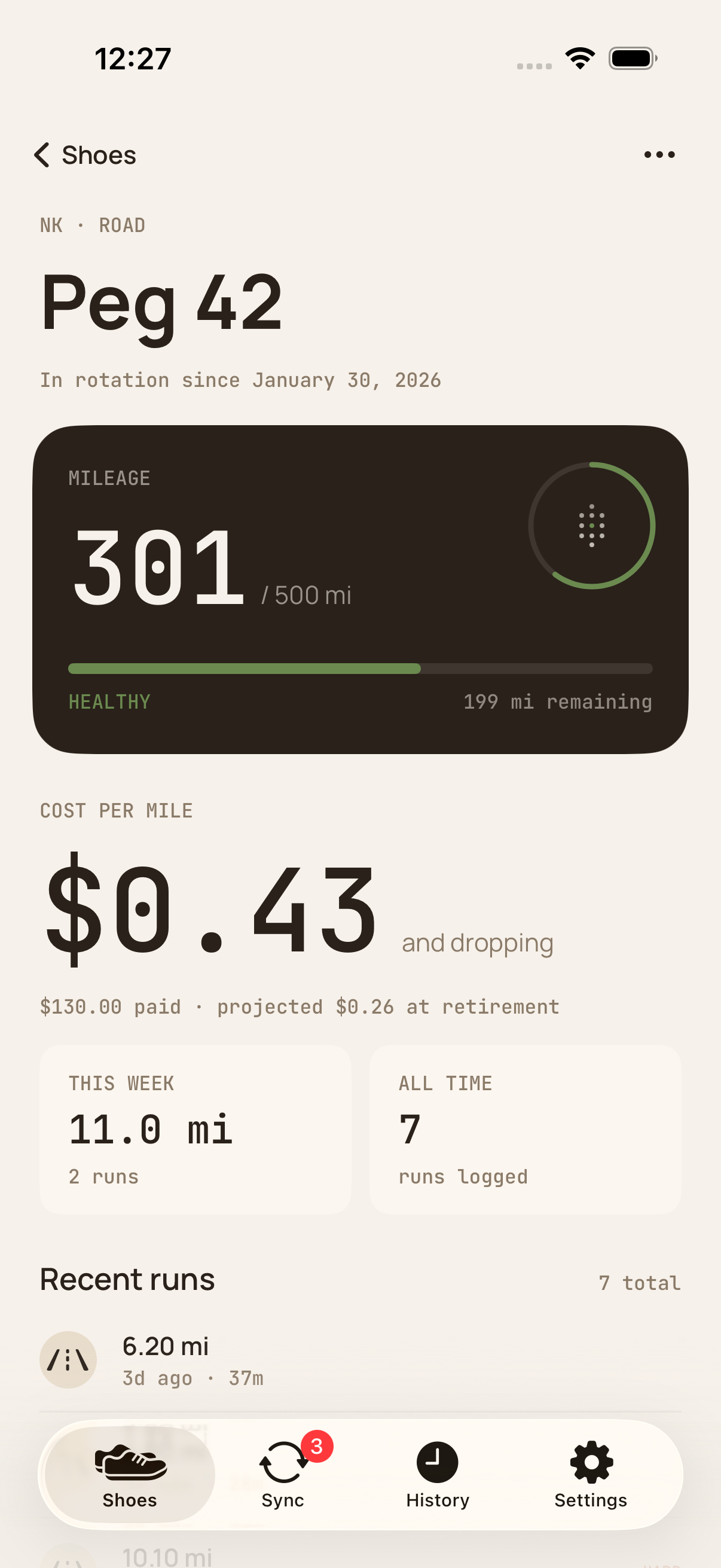
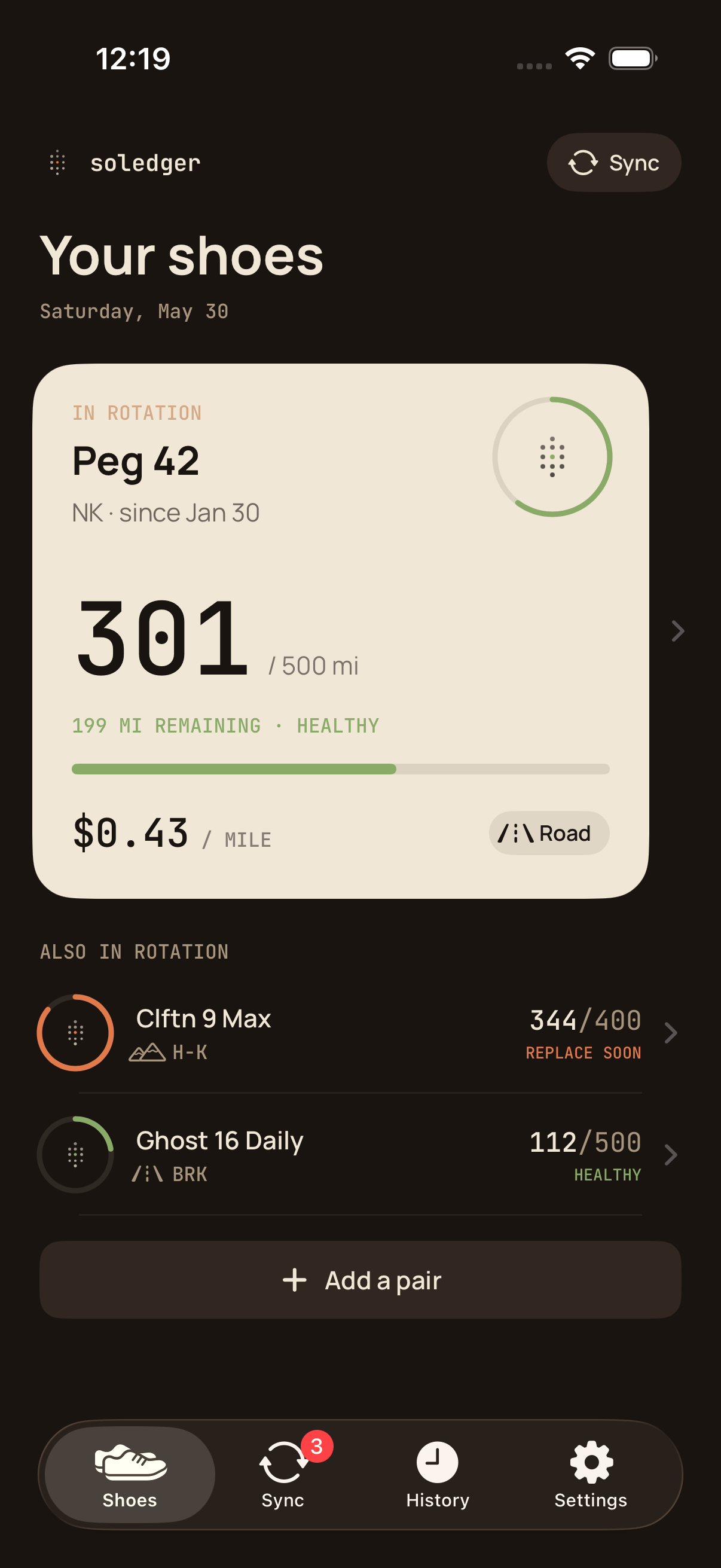
Open the app, add a pair of shoes, run. Soledger does the bookkeeping in the background.
Brand, model, what you paid, where you run them. Set the expected lifetime. Soledger starts with a science-backed default — adjust it to whatever your legs and the rubber agree on.
Soledger reads the run from Apple Health and asks: which shoes? One tap and the mileage is on the books. Bulk-assign older runs in a single sync review.
A quiet green ring while you've got life left. A warm amber when it's time to replace. The shoe earns its mileage; you see what it cost.
Soledger is free to download and free to use for up to 3 shoes (active and retired combined). The free tier includes automatic HealthKit sync (rolling 90-day window), retirement alerts, cost per mile tracking, Home Screen and Lock Screen widgets, iCloud sync (if you have it on for the app), and your full retire/archive history — no time limits, no nags.
Soledger Pro — $3.99/month or $24.99/year — unlocks unlimited shoes, historical sync (import your full Apple Health run history — no date limit), auto-sync rules that skip manual review for recognized workout types, CSV export, milestone alerts (at 50, 100, 200, 300, 400, and 500 miles per pair), and a weekly summary notification on Sunday evenings. Annual plans include a 7-day free trial.